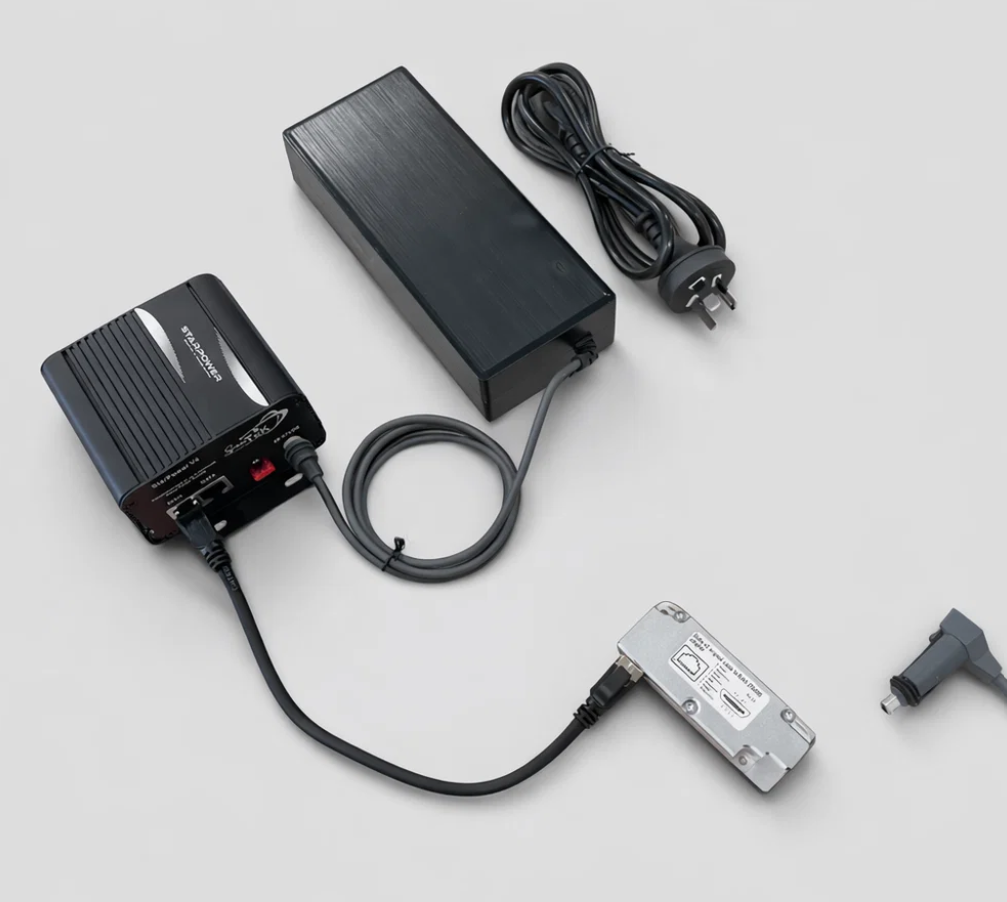
Description
Specifications
✅ Compatibility note: StarPower V4 is for Starlink users who need an AC-powered router replacement or third-party-router setup. It is suitable for selected Starlink Gen 1, Gen 2 Standard/Actuated, Starlink Standard (Gen 3 / V4) and Starlink Mini configurations when the correct bundle and cables are selected.
AC-powered router replacement for Starlink
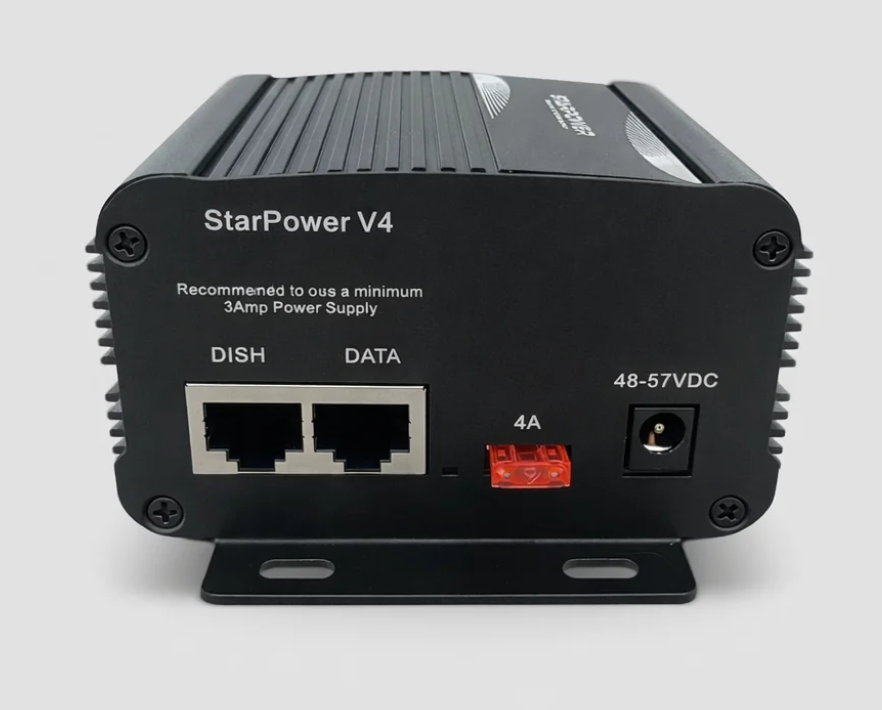
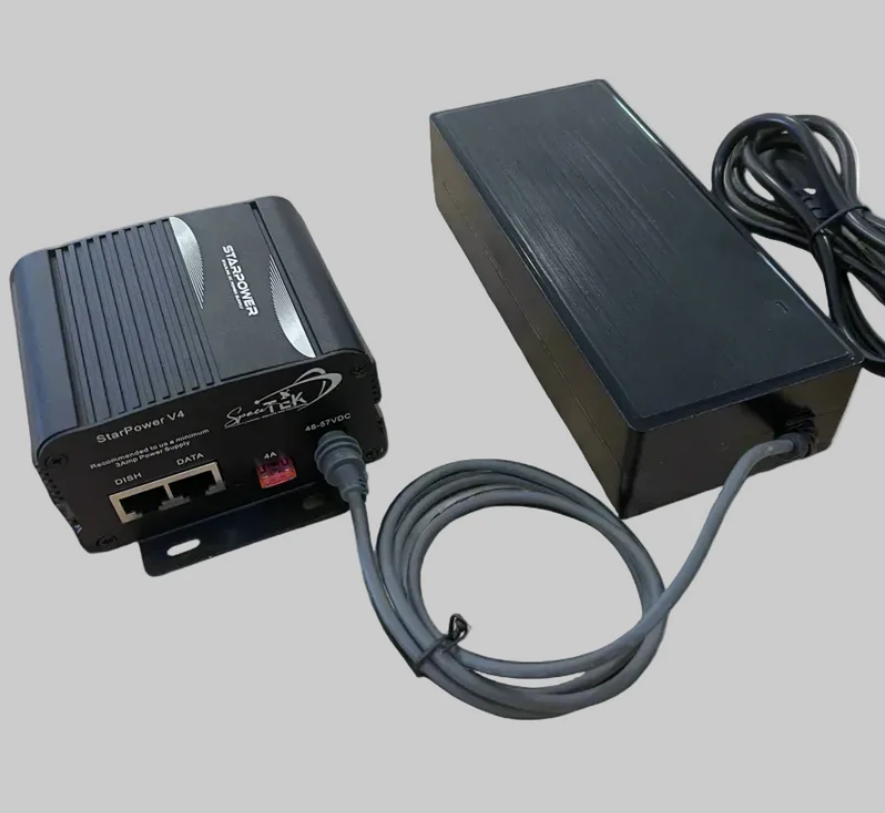
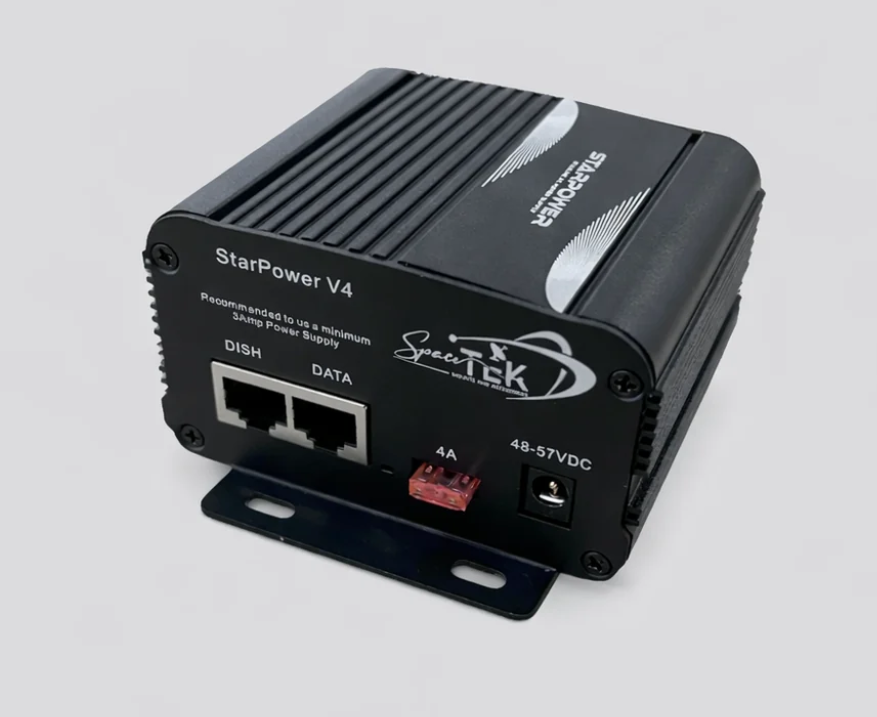
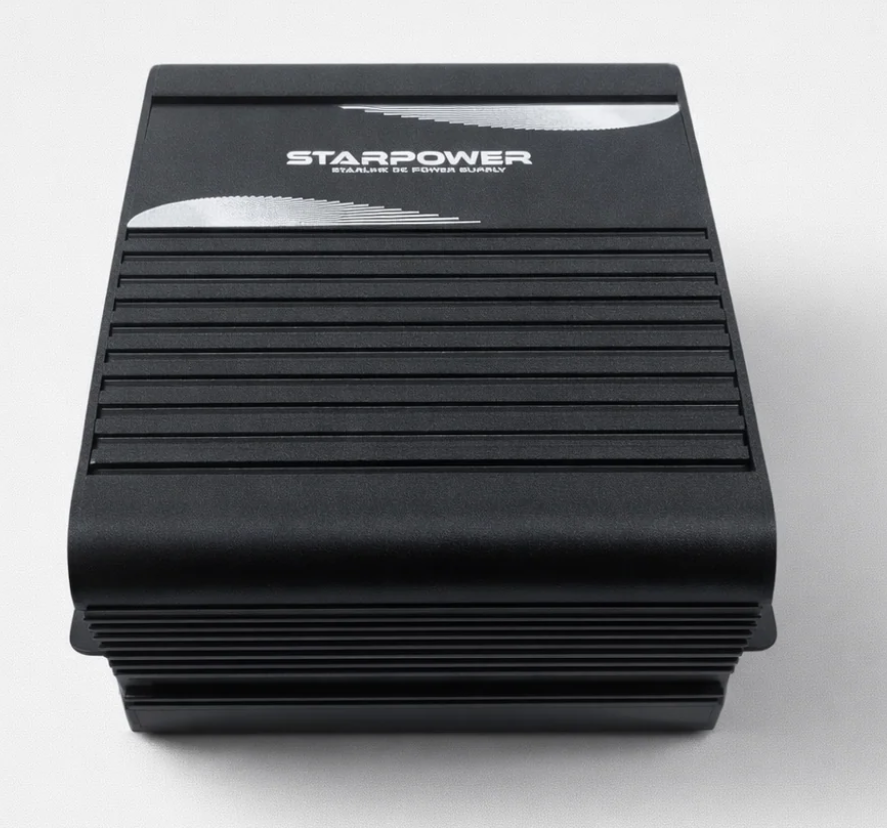
StarPower V4 is a modular power and PoE injector system for Starlink users who want to replace the original Starlink router, use a third-party router, or connect Starlink into an existing home, business, vehicle or remote-site network.
Choose StarPower V4 when you are not trying to power the system directly from a 12V/24V battery. For battery/DC installs, see StarPower V2 or StarPower V3 instead.
Choose StarPower V4 if…
- ✅ Your original Starlink router has failed.
- ✅ You want to use your own router, mesh system, firewall or business network.
- ✅ You are powering Starlink from AC power, an inverter, or the included 57V power supply bundle.
- ✅ You need a router-replacement setup rather than a direct 12V/24V DC conversion.
- ✅ You have Gen 2 and need an alternative to replacing the original Gen 2 router.
Which StarPower product do I need?
| Your setup | Choose |
|---|---|
| I have AC power and need to replace/bypass the Starlink router | StarPower V4 |
| I have Starlink Standard Gen 3 / V4 and want to run the original Starlink router from 12V/24V | StarPower V3 |
| I want to run Starlink from 12V/24V and use my own router | StarPower V2 |
Which StarPower V4 bundle should I choose?
| Variant | Best for | Notes |
|---|---|---|
| Injector Only (BYO Power Supply) | Users who already have a suitable 57V power supply. | Injector only. Power supply and router are not included. |
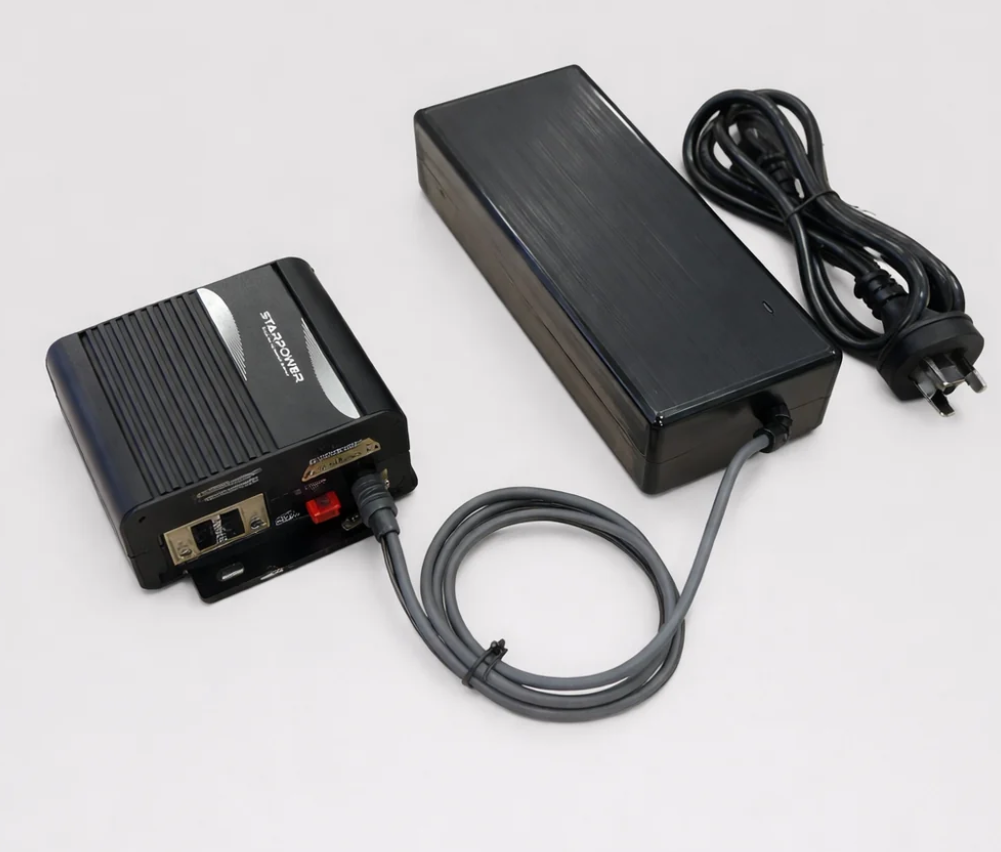
| Injector with 57V Power Supply | Standard AC-powered StarPower V4 setup. | Good base option if you already have your own router. |
| Injector with Router (BYO Power Supply) | Users who already have power but need a router included. | Includes injector and Router Mini. |
| Injector with 57V Power Supply and Gen 2 Adapter | Gen 2 users replacing the original router. | Includes the SPX to RJ45 adapter required for Gen 2 dish cable connection. |
| Injector with 57V Power Supply and Router | Users wanting a complete injector, power supply and router bundle. | Suitable where a Router Mini is required. |
| Injector with 57V Power Supply, Gen 2 Adapter and Router | Gen 2 users wanting the most complete replacement-router bundle. | Best choice for many failed Gen 2 router replacements. |
Model guidance
Starlink Gen 2 Standard/Actuated
Use the Gen 2 SPX to RJ45 adapter bundle when connecting the original Gen 2 dish cable to StarPower V4. Do not connect StarPower V4 through the Starlink Gen 2 Ethernet Adapter.
Starlink Standard (Gen 3 / V4)
Use StarPower V4 when you want to bypass the original Starlink router path and connect to another router or network setup. For direct 12V/24V battery installs using the original Starlink router, StarPower V3 is usually the better choice.
Starlink Mini
StarPower V4 can be used in selected Mini PoE/router-style setups, depending on the cables, splitter and router configuration used.
Important installation notes
- ⚠️ StarPower V4 is not the main 12V/24V battery-power kit.
- ⚠️ Gen 2 setups need the correct SPX to RJ45 adapter or a professionally modified cable.
- ⚠️ Do not connect StarPower V4 through the Starlink Gen 2 Ethernet Adapter.
- ⚠️ Third-party routers may require separate setup depending on the router brand and network configuration.
Basic installation flow
- Choose the StarPower V4 bundle that matches your Starlink model.
- Connect the Starlink dish cable to the StarPower injector (dish) port using the correct cable or adapter.
- Connect the StarPower data port to your router or network equipment.
- Connect the correct 57V power supply.
- Confirm Starlink and router status lights before final mounting.
- Use the Starlink app and router interface to confirm the system is online.